
CareQR · Emergency info that speaks for you
A simple QR code that protects you in an emergency.
When you can't explain your medical needs, CareQR gives first responders the details they need instantly. Create a secure emergency profile, print or wear your QR code, and keep it with you wherever you go.
For children, adults, and older people with medical or support needs.
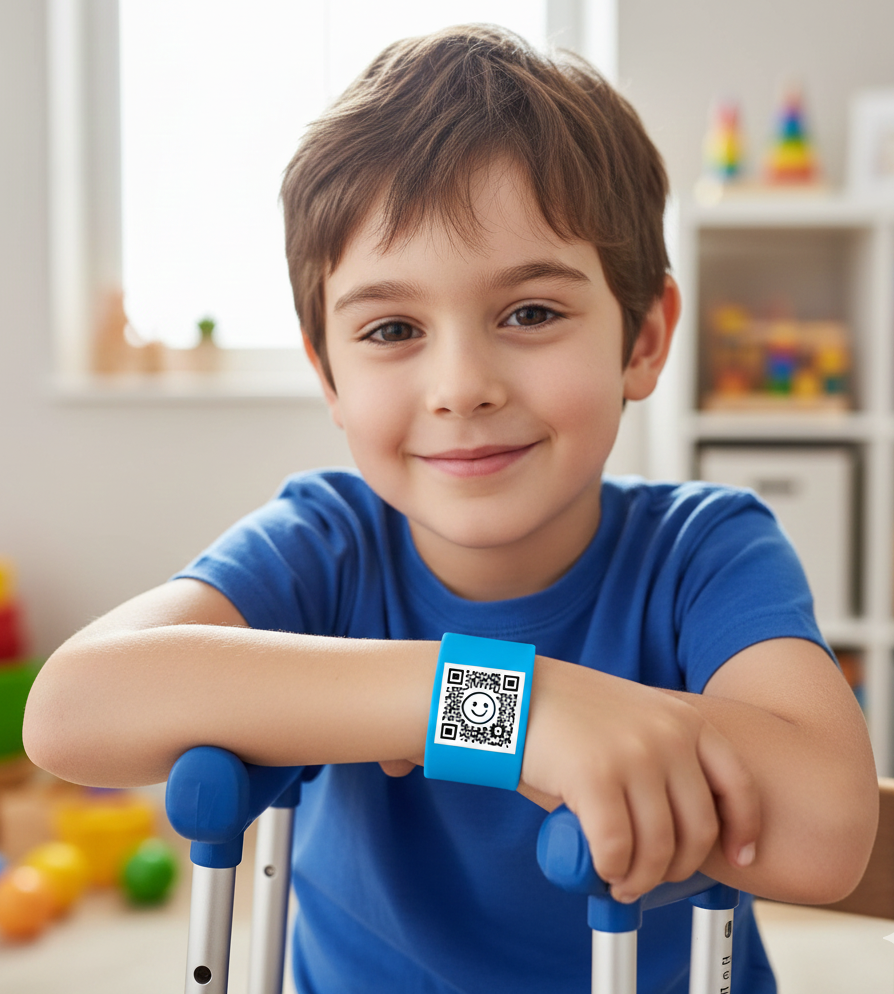
Kids can wear their QR safely on a wristband.
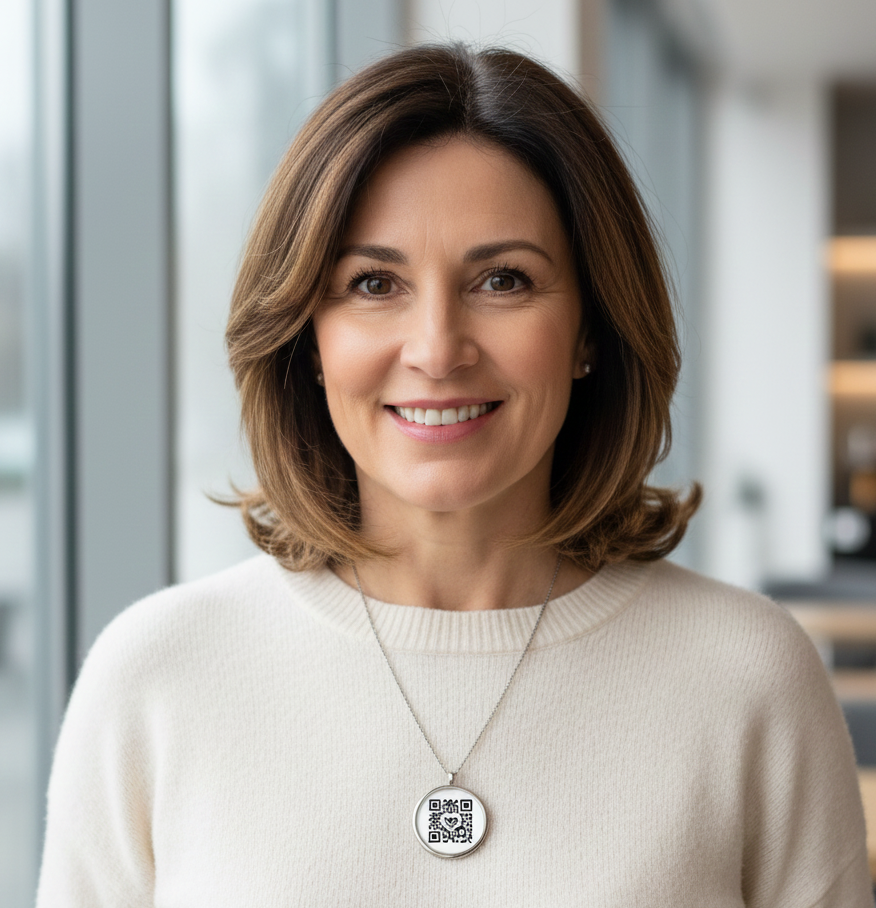
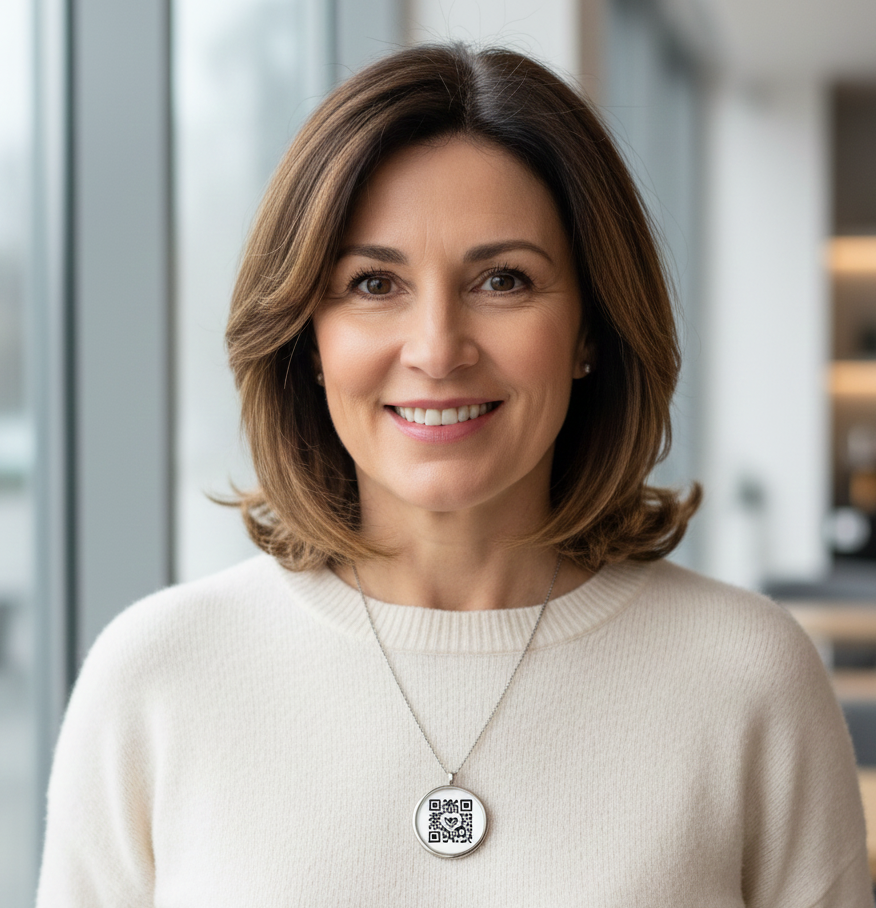
Adults can keep their QR close on a pendant or card.
How CareQR Works
Set it up once. Let your QR speak for you.
CareQR turns a simple QR code into a secure emergency profile you can carry on a bracelet, necklace, card, or phone.
Create your profile
Add key medical details, allergies, medications, and who to call in an emergency. You can update it anytime.
Print or wear your QR
Download your QR code and put it on a wristband, necklace, wallet card, phone case, or any place you always carry.
First responders scan
In an emergency, any smartphone camera can scan your QR to instantly see your critical information and who to contact.
STEP 4
Update anytime, QR stays the same
Change medications, contacts, or notes whenever you need to—your QR code always points to the latest version of your emergency profile.
Who benefits from CareQR?
Help the people you care about stay safer, everywhere.
CareQR supports children, adults, and older people who may need extra help in an emergency—at home, at school, or out in the community.
Children
Extra peace of mind for school trips, camps, after-school activities, or kids who may wander or need support to communicate.
Adults with health needs
Ideal for epilepsy, diabetes, heart conditions, allergies, mental health, or anyone who might become confused or unwell.
Older adults
Helpful for people living with dementia, memory issues, falls risk, or who may live alone and need their details available quickly.
Travel & community
Use CareQR on holidays, public transport, community programs, or anywhere you might be away from your usual supports.
What people see when they scan
Emergency information appears instantly—helping responders act fast.
Add an optional profile photo during registration so responders can confirm they're with the right person.
Kelly Rob
78 years old
Emergency Contact
John Johnson (Son)
+1 (555) 123-4567
Medical Conditions
Type 2 Diabetes, Alzheimer’s
Allergies
Penicillin, Shellfish
Address:
123 Oak Street, Springfield
Medications:
Metformin 500mg, Aricept 10mg
Plans & Pricing
Simple pricing for families and organisations.
Choose a plan that fits how you use CareQR. Organisation pricing is billed for 5 profiles at once.
Individual
Best for single users or families who want one profile.
- - 1 emergency profile
- - Unlimited QR codes for that profile
- - Secure updates anytime
- - Email support
Organisation
For providers, schools, day programs, or care teams managing multiple participants.
- - Multiple participant profiles
- - Includes 5 profiles (upgrade for more)
- - Per-user pricing for your staff or participants
- - Central dashboard and QR management
- - Priority support
Privacy & safety
Control what is shown publicly
We only surface the essentials to people who scan the QR. Everything else stays secure for your team.
- You choose what to share on the public emergency page.
- Only essential info is shown; sensitive notes stay private to you and carers.
- Data is stored securely with Neon Postgres.
- Deactivate or update a profile at any time without reprinting the QR.
FAQ
Answers carers ask before printing
If you need something specific for your participant or family member, reach out and we'll help you get set up.
What if I change medications or instructions?+
Update the profile and the QR instantly reflects the new details. No need to print a new code each time.
Do first responders know how to scan QR codes?+
Yes. Any modern phone camera opens the emergency page automatically—no special app or login required.
Does it work without internet?+
The QR opens a hosted page, so responders need reception. We recommend printing critical steps on the card as a backup.
Can I create more than one profile?+
Yes. Create profiles for multiple clients, family members, or carers you support and manage them in one place.
How much does it cost?+
During beta, creating and printing your emergency QR is free. Fair, transparent pricing will follow for carers.